What is Ingest?
Think of ingest as the pathway that livestreams passes through to reach the internet.
Why do we need ingest?
Your video needs to get to a platform (like Twitch, YouTube, or Facebook) somehow! The ingest server is the platform’s receiving point. It accepts your stream, processes it, and then distributes it to all your viewers.
The key term you’ll see:
Ingest URL : The specific address where you send your stream.
When you create a stream with the Daydream API, you’ll receive an ingest URL in the response that looks like the following.
Example:
{
  "whip_url": "https://ai.livepeer.com/live/video-to-video/<stream_key>/whip"
}
How to Ingest
When you go live, your camera and microphone capture video and audio. Your streaming software (like OBS, Streamlabs, or built-in apps) takes that content and sends it to an ingest server - basically a computer that receives your stream.
Web Browser Method
Don’t forget to replace <API_KEY> with your own.
Create a stream
Create a stream using the Daydream API.# Available models:
# - stabilityai/sd-turbo: Fast generation with SD-turbo (default)
# - stabilityai/sdxl-turbo: High-quality with SDXL-turbo
# - Lykon/dreamshaper-8: Stable Diffusion 1.5 for more control
# - prompthero/openjourney-v4: SD1.5 with artistic style
curl -X POST \
"https://api.daydream.live/v1/streams" \
-H "Content-Type: application/json" \
-H "Authorization: Bearer <API_KEY>" \
-d '{
"pipeline": "streamdiffusion",
"params": {
"model_id": "stabilityai/sd-turbo"
}
}'
Implement the Webcam
Don’t forget to replace <STREAM_KEY> with your own.
<script>
   // 👇 PASTE THE JS SNIPPET HERE
   const WHIP_URL = 'https://ai.livepeer.com/live/video-to-video/<STREAM_KEY>/whip';

   let localStream = null;
   let peerConnection = null;

   async function startDaydreamStream() {
       localStream = await navigator.mediaDevices.getUserMedia({
           video: { width: 1280, height: 720 },
           audio: false
       });

       peerConnection = new RTCPeerConnection({
           iceServers: [{ urls: 'stun:stun.l.google.com:19302' }]
       });

       localStream.getTracks().forEach(track => {
           peerConnection.addTrack(track, localStream);
       });

       const offer = await peerConnection.createOffer();
       await peerConnection.setLocalDescription(offer);

       const response = await fetch(WHIP_URL, {
           method: 'POST',
           headers: { 'Content-Type': 'application/sdp' },
           body: peerConnection.localDescription.sdp
       });

       const answer = await response.text();
       await peerConnection.setRemoteDescription({
           type: 'answer',
           sdp: answer
       });

       return localStream;
   }

   // 👇 CALL IT FROM YOUR BUTTON
   async function start() {
       const stream = await startDaydreamStream();
       document.getElementById('video').srcObject = stream;
       alert('Streaming to Daydream!');
   }
Workflow Diagram
OBS Ingest Method
Don’t forget to replace <API_KEY> with your own.
Create a stream
Create a stream using the Daydream API.curl --request POST \
--url https://api.daydream.live/v1/streams \
--header 'Content-Type: application/json' \
--header 'Authorization: Bearer <API KEY>' \
--data '{
"pipeline": "streamdiffusion",
"params": {
"model_id": "stabilityai/sdxl-turbo",
"prompt": "a serene mountain landscape at sunset"
}
}'
Get the Ingest URL
In the response from the Create Stream API call, find the whip_url field.{
"whip_url": "https://ai.livepeer.com/live/video-to-video/<STREAM_KEY>/whip"
}
Copy the Ingest URL
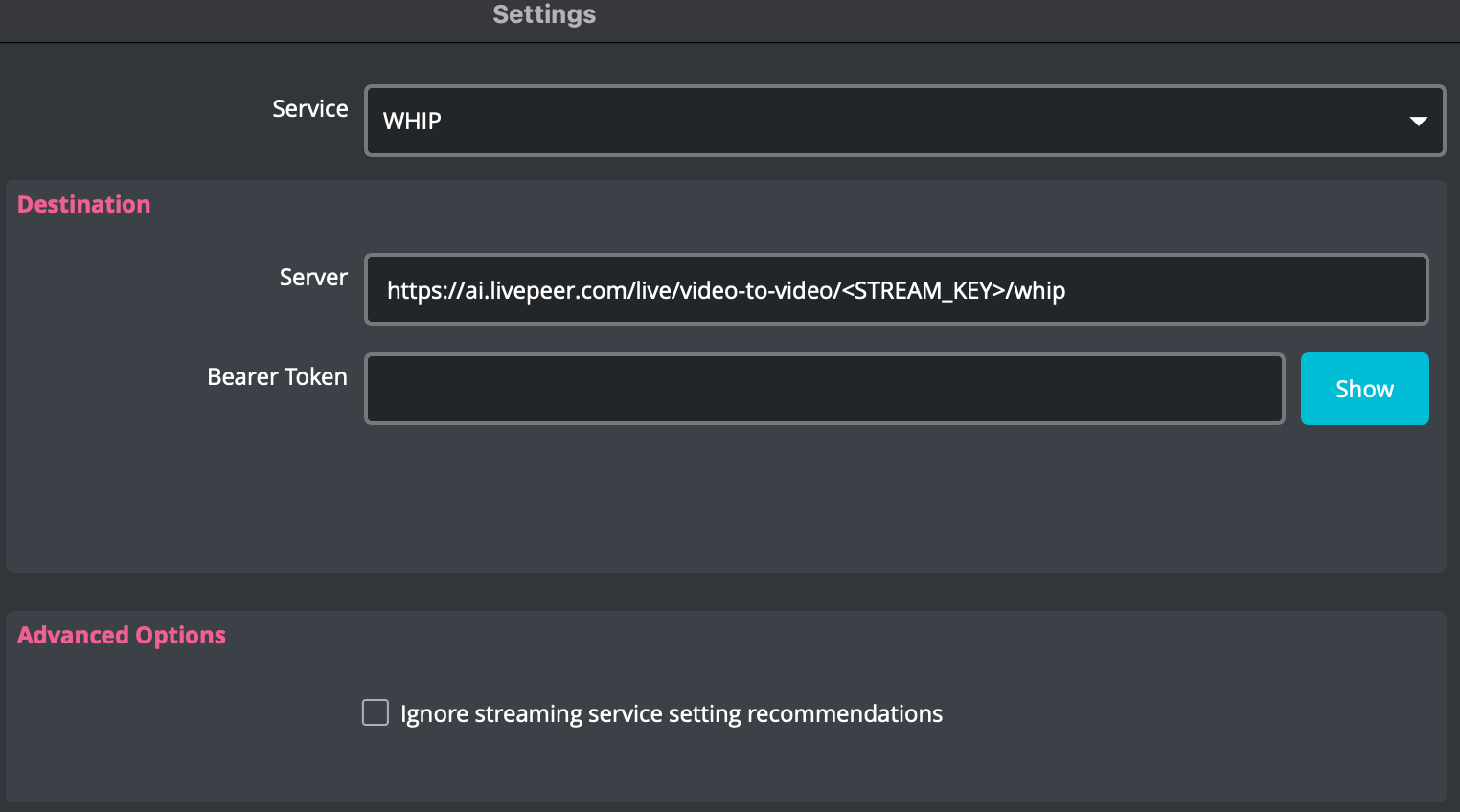
Copy the whip_url to use in the OBS settings.
https://ai.livepeer.com/live/video-to-video/<STREAM_KEY>/whip
Start Streaming
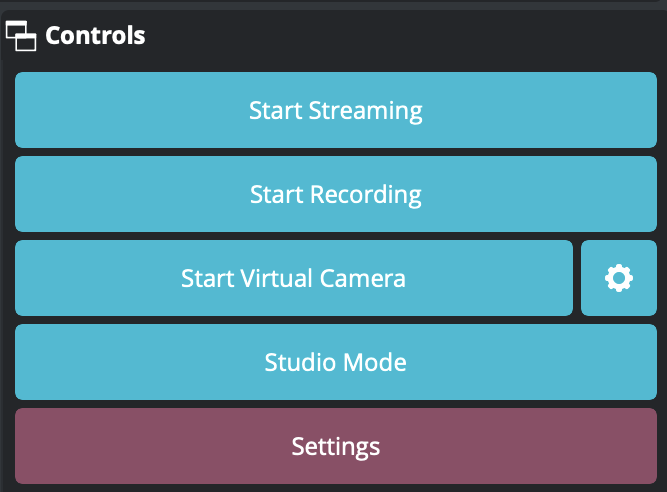
Under the Controls section, select Start Streaming to start the stream.Make sure you have a video capture device selected as the source and is turned on.
Workflow Diagram