

Browser SDK Installation
Add real-time AI video effects to your web applications.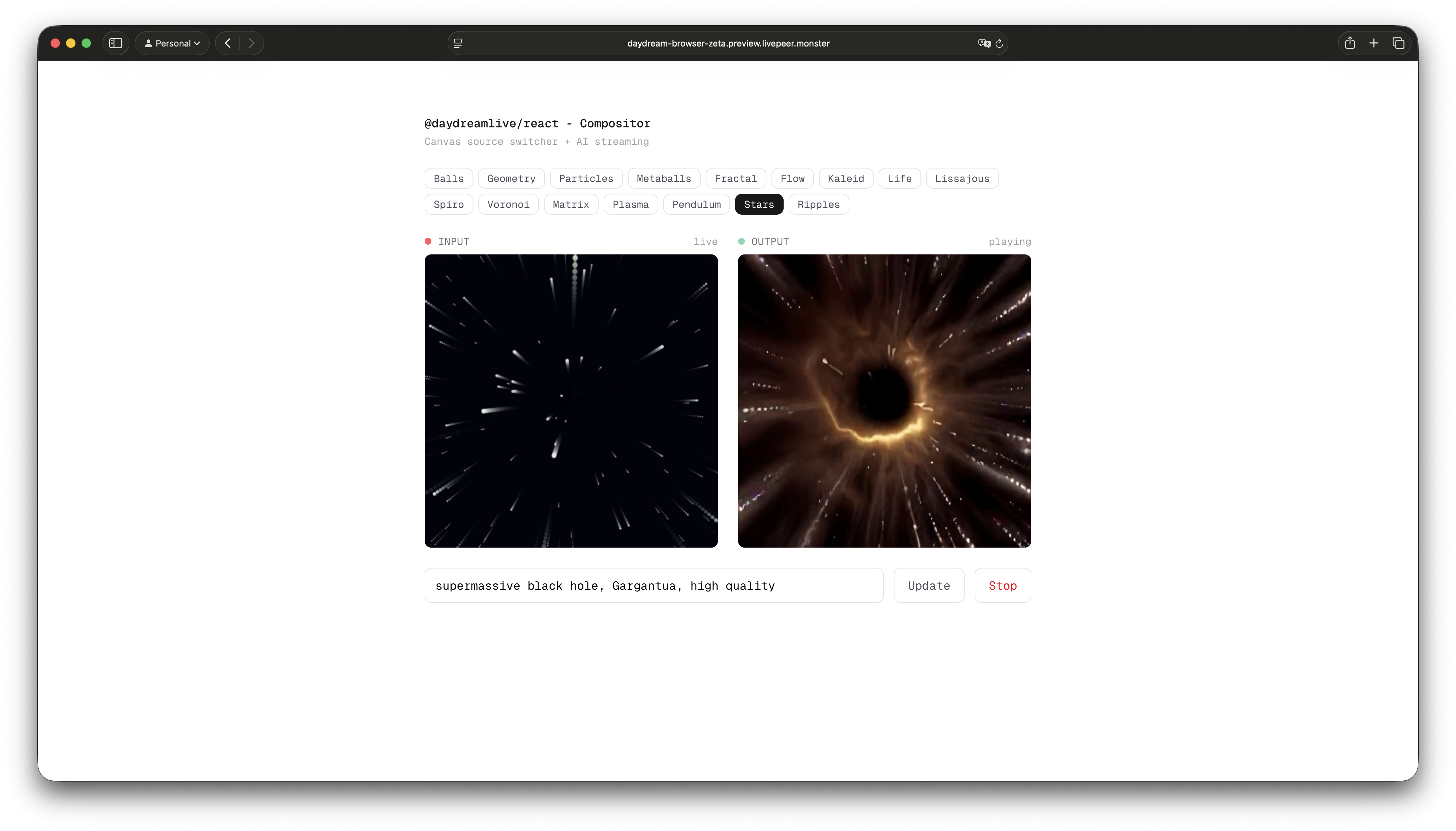
@daydreamlive/browser- Core WebRTC client, framework-agnostic, zero dependencies@daydreamlive/react- React hooks wrapper
Installation
Browser Requirements
The SDK works in all modern browsers that support WebRTC:- Chrome 80+
- Firefox 80+
- Safari 14+
- Edge 80+
Architecture
Think of it like this: your backend creates the stream and gets the connection URLs, then your frontend uses those URLs to broadcast and play video.Quick Example
Here’s a minimal example that broadcasts your webcam and plays the AI-processed output:What’s Next?
- Broadcast - Send video to Daydream
- Player - Play AI-processed output
- React Hooks - Use with React
- Compositor - Combine multiple video sources