

TouchDesigner Plugin Installation
Add real-time AI video effects to your TouchDesigner projects.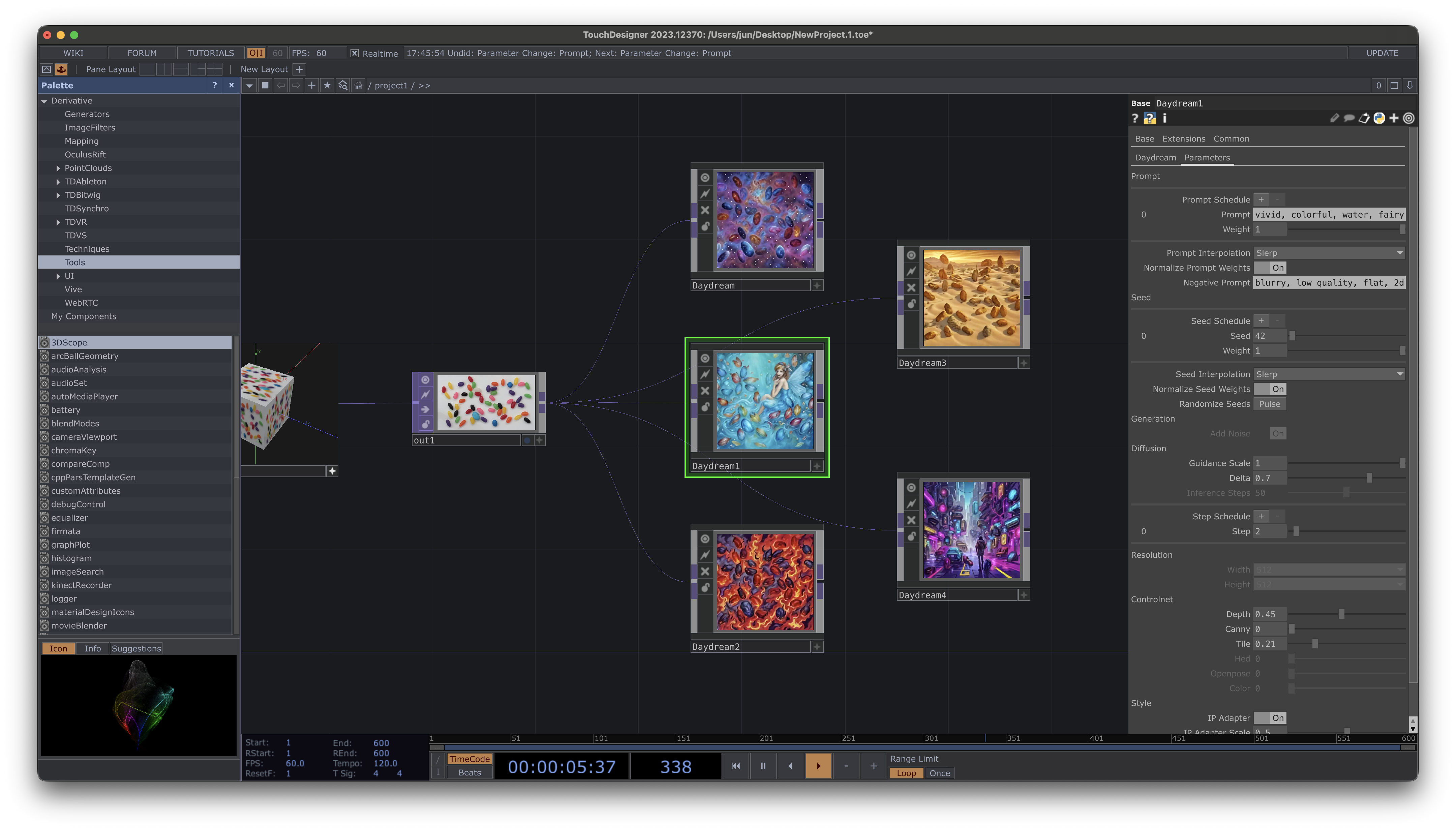
Requirements
- TouchDesigner 2023 or later
- Daydream account (sign up at daydream.live)
Installation
- Download the
.toxfile from GitHub Releases - Drop it into your TouchDesigner project
Quick Setup
Once installed, getting started is simple:- Log in - Click the Login button to authenticate with your Daydream account
- Connect a video source - Wire any TOP (video, camera, or generated content) to the
stream_sourceinput - Start streaming - Toggle Active to begin real-time AI processing
- See the magic - The processed output appears on the component’s output TOP
Login Flow
When you click Login, a browser window opens for authentication:- Sign in with your Daydream account (or create one)
- Authorize the TouchDesigner plugin
- The plugin automatically receives your credentials
- You’re ready to stream!
Your login persists between sessions, so you only need to authenticate once.
Models
The plugin supports multiple Stable Diffusion models:Next Steps
- Features - ControlNets, IP Adapter, prompt scheduling
- Integration API - Python scripting and automation
- ControlNets Tutorial - Learn how ControlNets work