ControlNets are guidance networks that help the AI model understand the structure of your input. Think of them as glasses for your AI model’s eyes. By using preprocessors, Daydream extracts key characteristics from your input before it’s fed into the AI model:
  • Edges
  • 3D Depth Position
  • Color Palette
  • Details and Patterning
These characteristics act as a “reference map,” guiding the model toward outputs that stay aligned with your original image. Each ControlNet includes a strength parameter (conditioning_scale) which determines how strictly the model follows the extracted characteristics:
  • Higher strength → stays close to your input’s structure
  • Lower strength → more freedom to reinterpret and stylize

Types of ControlNets

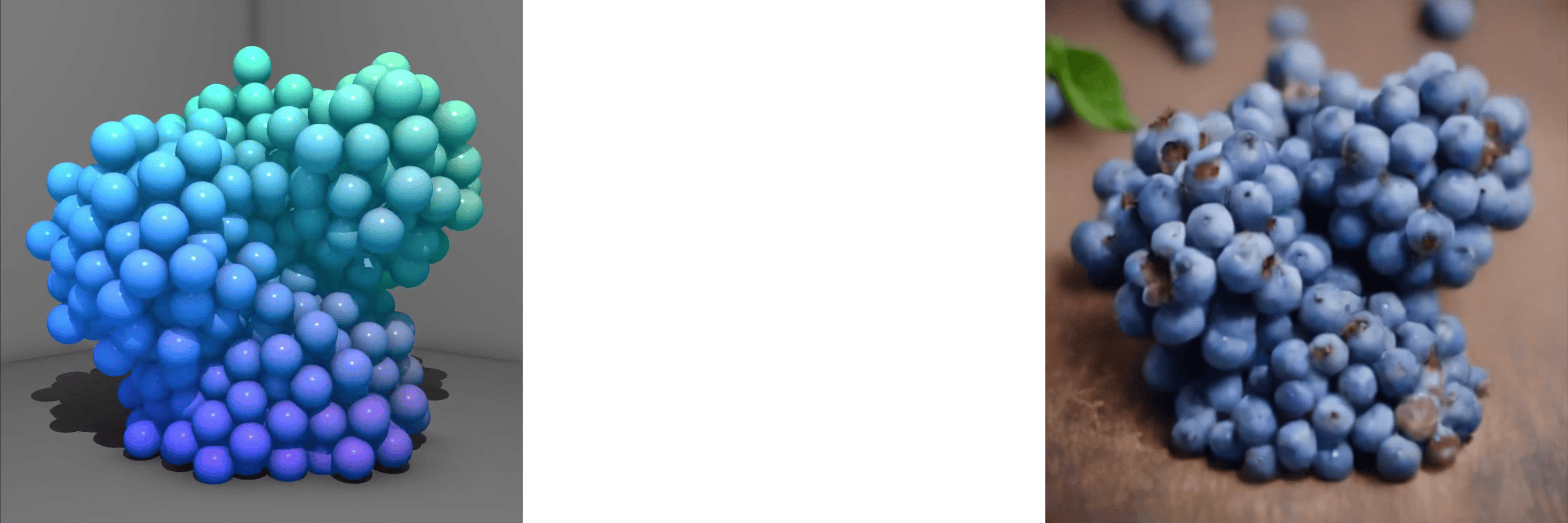
Available for: SDXL, SD1.5, SD TurboCannyinput, preprocessor, output; with prompt: blueberriesCanny extracts clean edge outlines from your input, helping the model accurately follow shapes and contours.
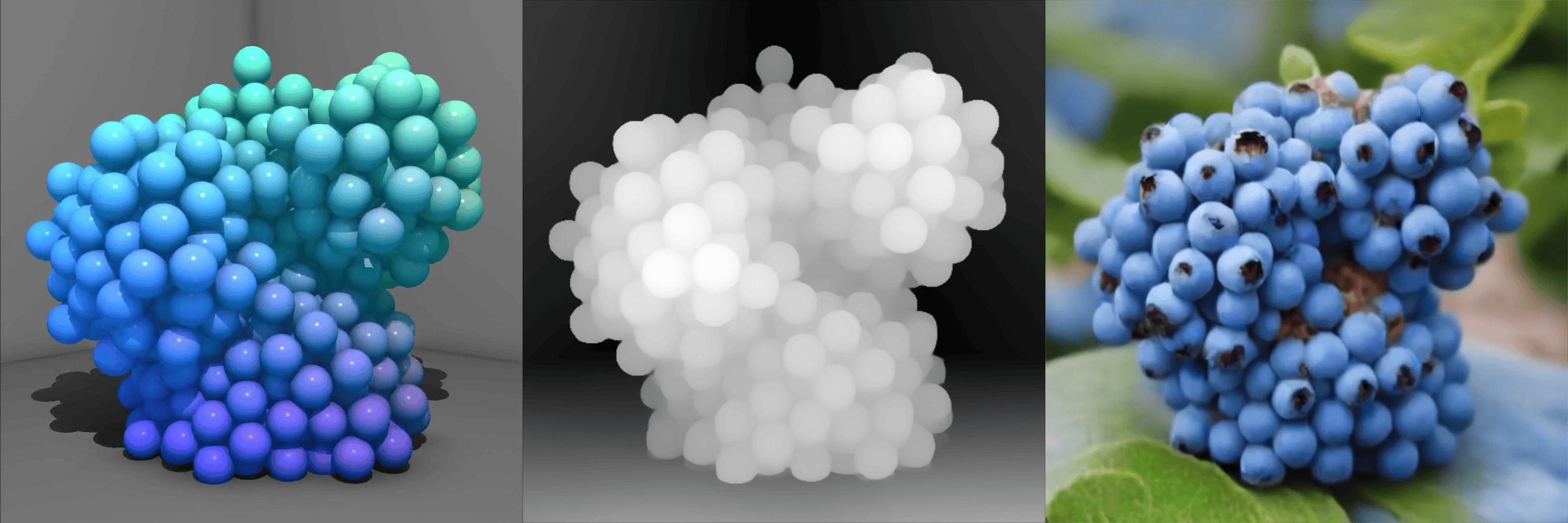
Available for: SDXL, SD1.5, SD TurboDepthinput, preprocessor, output; with prompt: blueberriesDepth analyzes distance and structure within your scene, helping the model maintain a believable sense of 3D space.
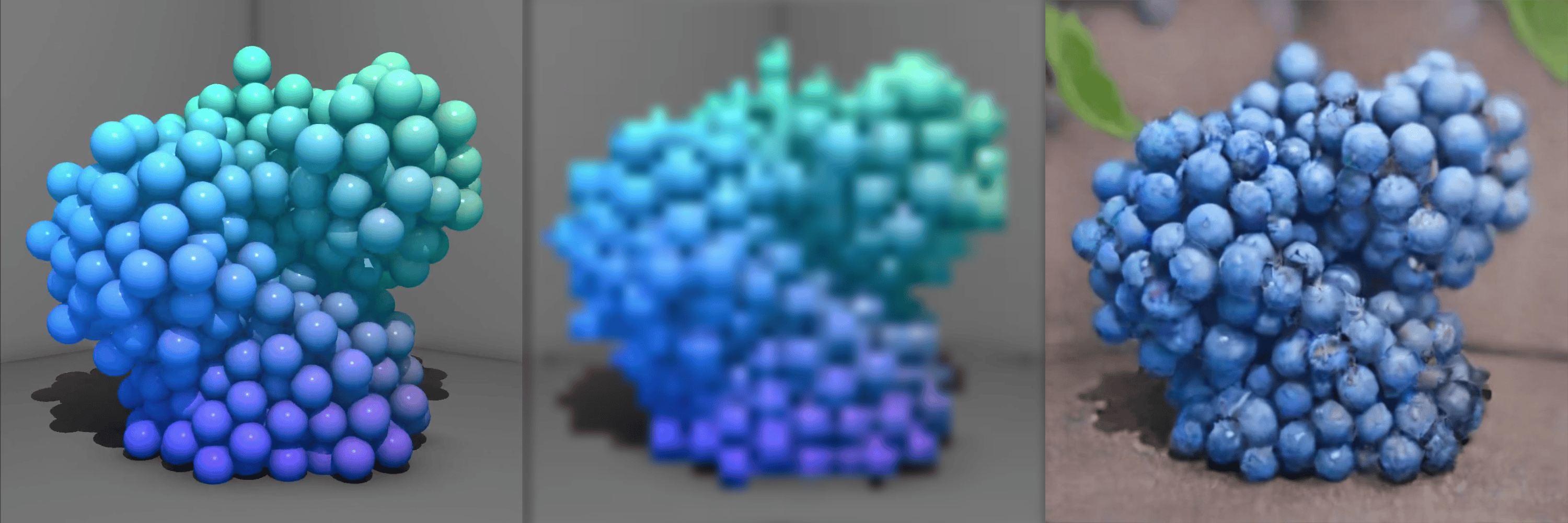
Available for: SDXL, SD1.5Tileinput, preprocessor, output; with prompt: blueberriesTile captures fine textures and high-frequency details, helping the model preserve crispness during generation.
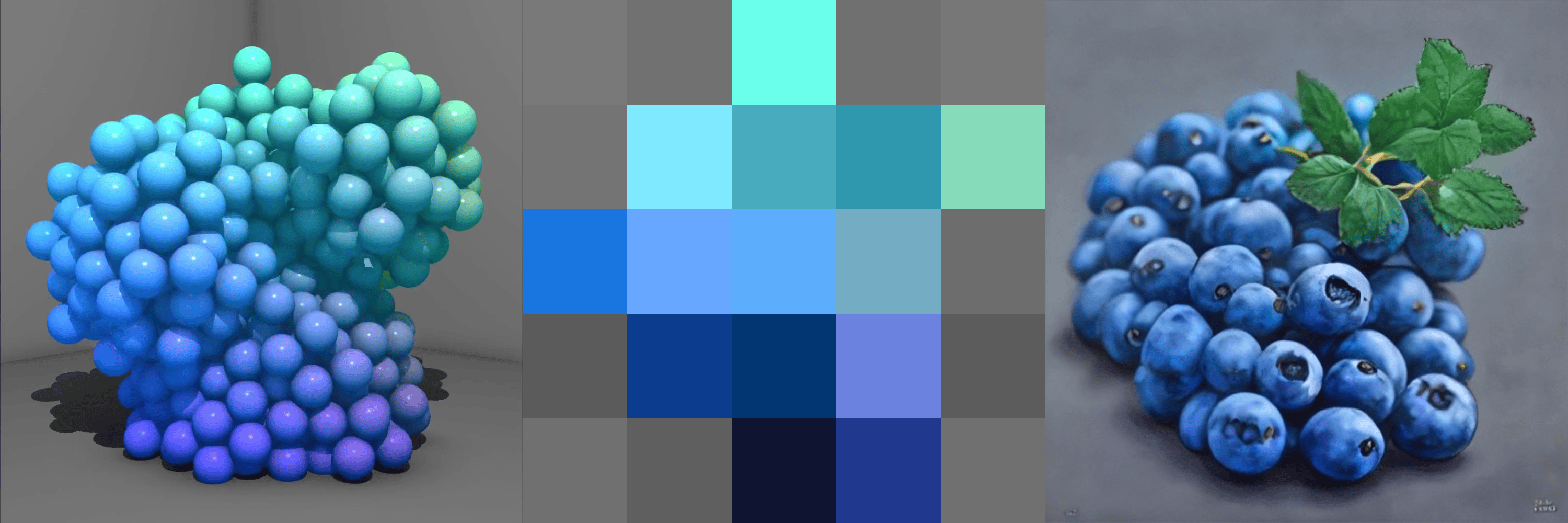
Available for: SD TurboColorinput, preprocessor, output; with prompt: blueberriesColor maps broad color regions from your input, helping the model keep the overall palette and tone aligned.
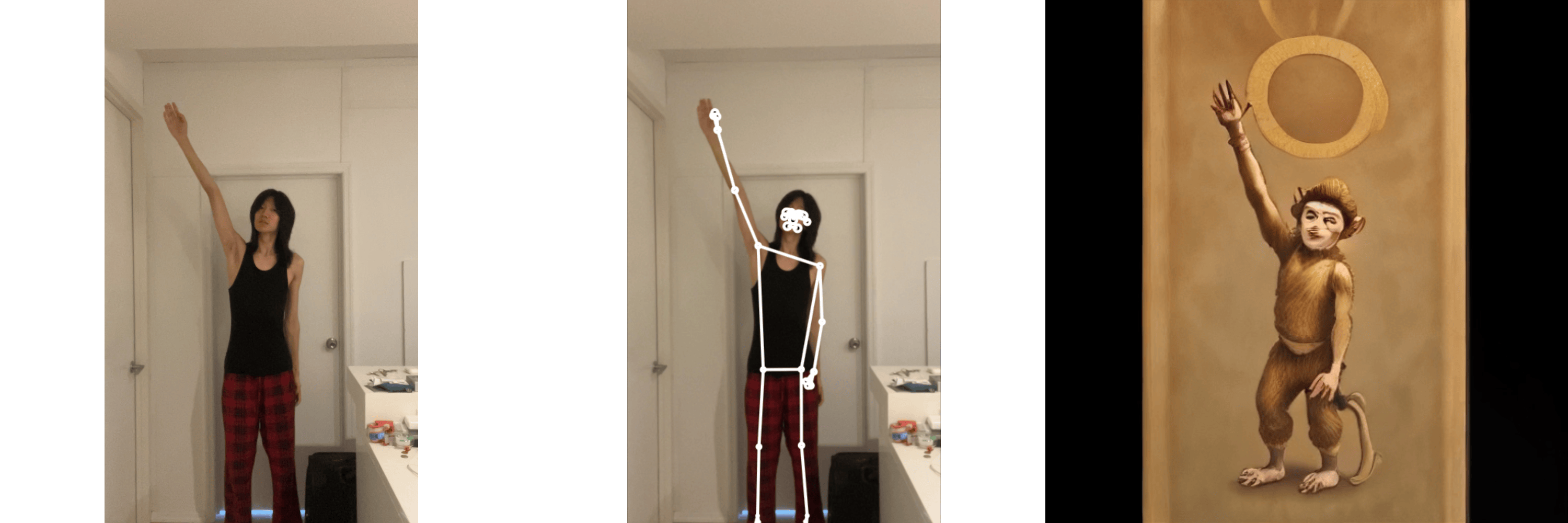
Available for: SD TurboPoseinput, preprocessor, output; with prompt: sun wukongOpenPose detects body joints and limb positions, helping the model stay consistent with the character’s pose.
Available for: SD TurboHED extracts soft, stylized linework, helping the model follow gentle contours and artistic outlines. The edge extraction is softer than Canny.

Multi-ControlNets

Multi-ControlNets let you use several ControlNets at once, giving the model multiple types of structure to follow. Each ControlNet captures a different characteristic, so combining them creates a more complete guide. For example, Canny + Depth works great because Canny gets the edges while Depth handles 3D placement. Multi ControlNet low value single controlnet vs multi controlnet using depth and canny; prompt: blueberries
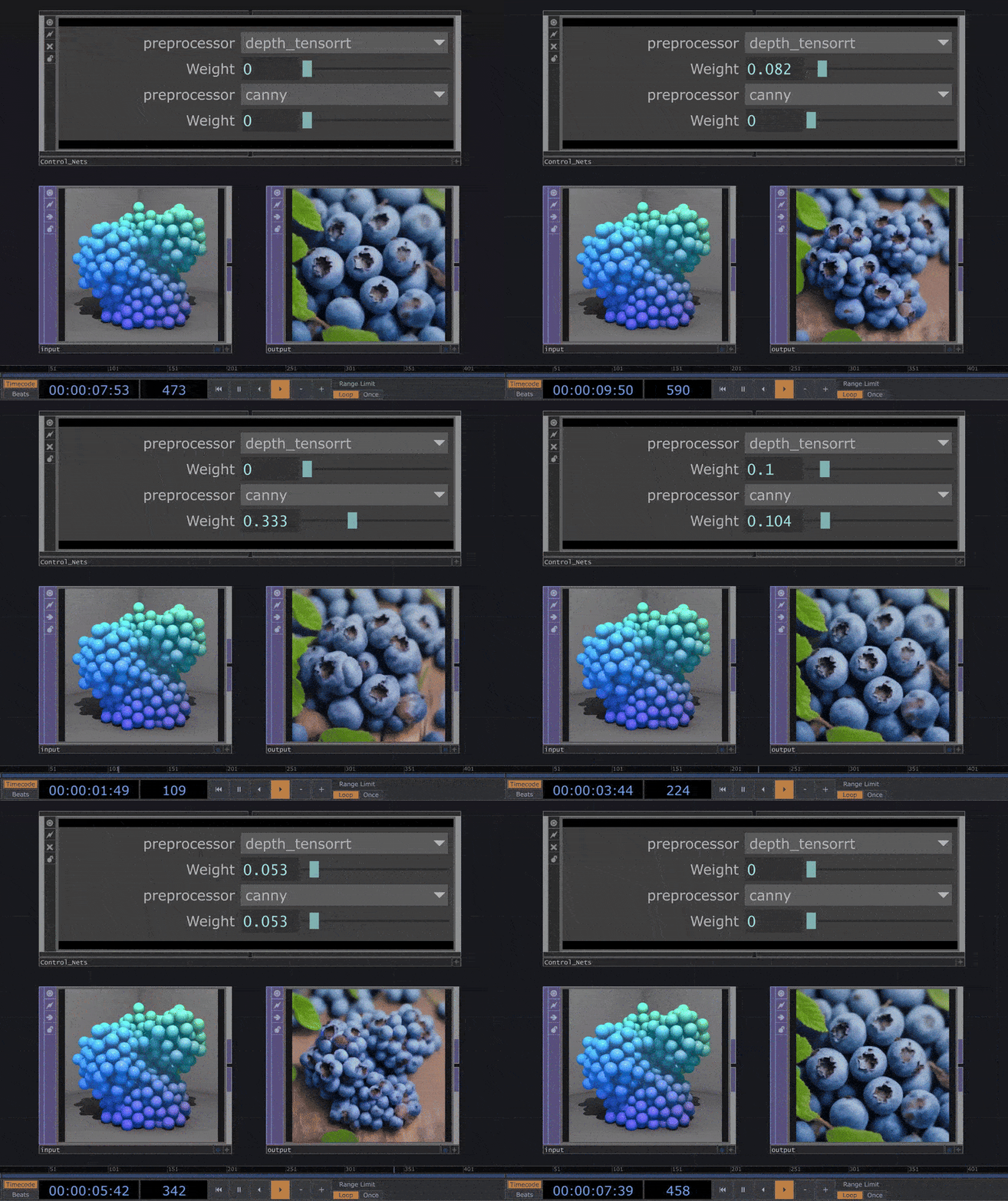
Multi-ControlNets help produce outputs that stay accurate, detailed, and true to your input.

Available ControlNets by Model

ModelAvailable ControlNets
SDXL (stabilityai/sdxl-turbo)Depth, Canny, Tile
SD1.5 (Lykon/dreamshaper-8)Depth, Canny, Tile
SD Turbo (stabilityai/sd-turbo)Depth, Canny, Color, Pose, HED