

- Input Structure: Your original image (Reality)
- Diffusion Noise: Random static (Creativity)
A diffusion model generates images by adding noise to “damage” an input. The model then tries to “repair” the damage by converting that noise into image details.
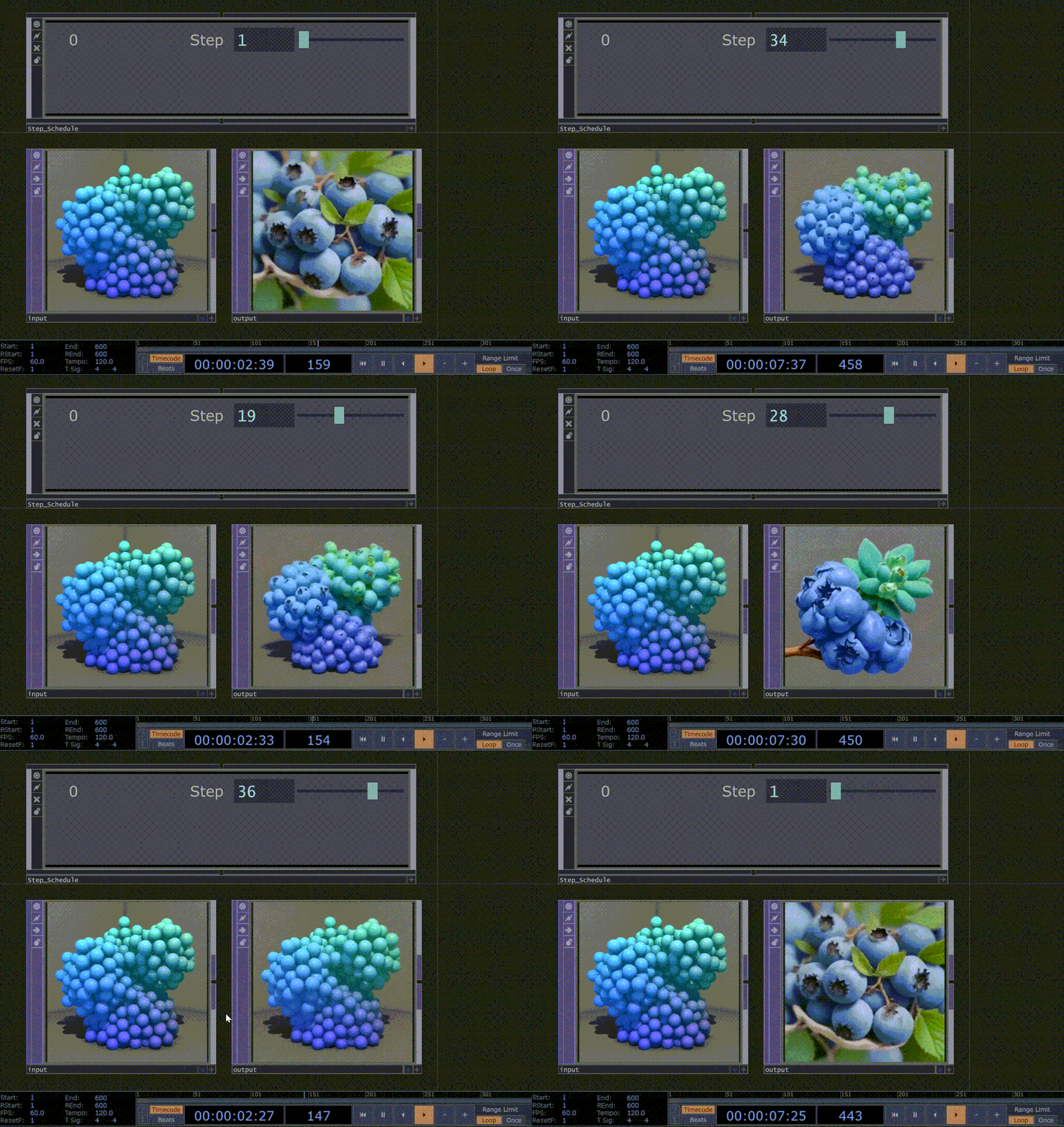
Single Step Schedule
Choose a single step between 1–50. Where you place the step determines the mixture of noise vs. structure:- Low steps (1–15): More emphasis on Diffusion Noise → more creativity, looser structure, less adherence to the input
- High steps (35–50): More emphasis on Input Structure → outputs that strongly match your input
Multi-Step Schedule
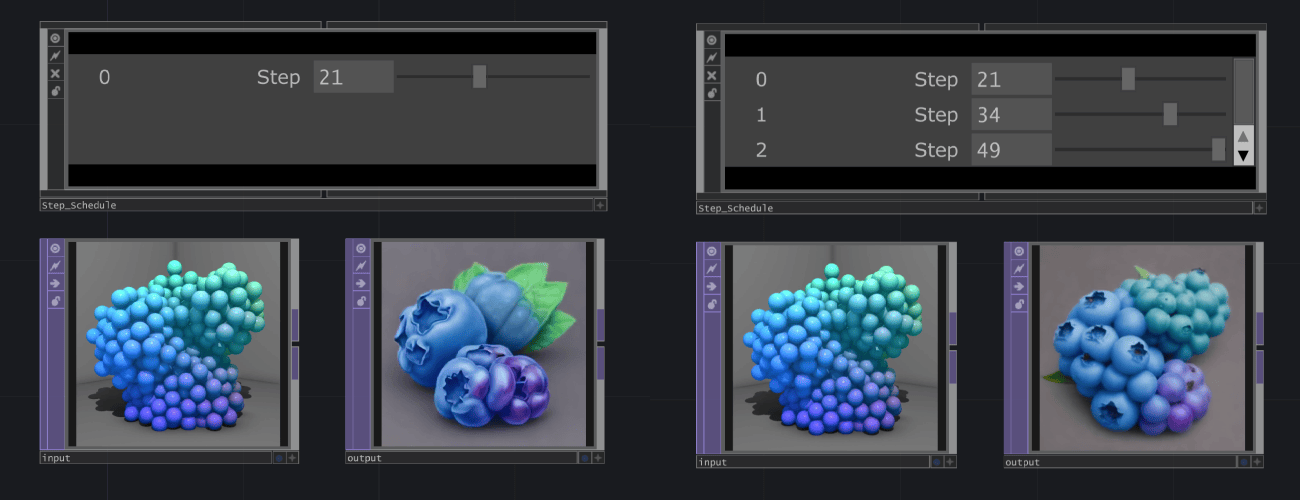
You can also use a multi-step schedule with up to four steps in order from lowest to highest.Multi-step schedules require more compute power.
Usage
Set the step schedule using thet_index_list parameter:
Examples
| t_index_list | Effect |
|---|---|
[5] | Single step, very creative, loose structure |
[35] | Single step, accurate, follows input closely |
[5, 15, 32] | Multi-step, balanced creativity and accuracy |
[1, 24, 49] | Multi-step, full range refinement |